Management in n6 Admin Panel
Managing Agreements does not differ from managing other models in n6 Admin Panel. This documentation provides visual guidance and information on managing Agreements and their relations.
Adding Agreements
By default, n6 does not provide any agreements by itself. They can be added using the Admin Panel, under the Agreement tab.
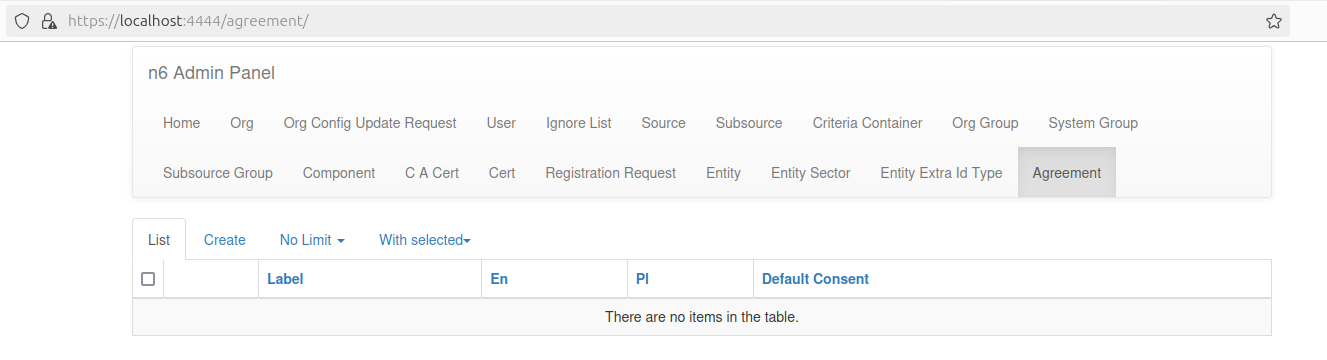 Empty Agreement tab in List view.
In the Create view there is a simple form to be filled in. Saving it will automatically create a new Agreement, immediately available to your users. Note that it is also possible to immediately bind Organizations and Registration Requests to this agreement. If any field is filled incorrectly (e.g., invalid link…), an appropriate error is thrown (signalized by displaying an appropriate message), preventing the creation of an invalid Agreement.
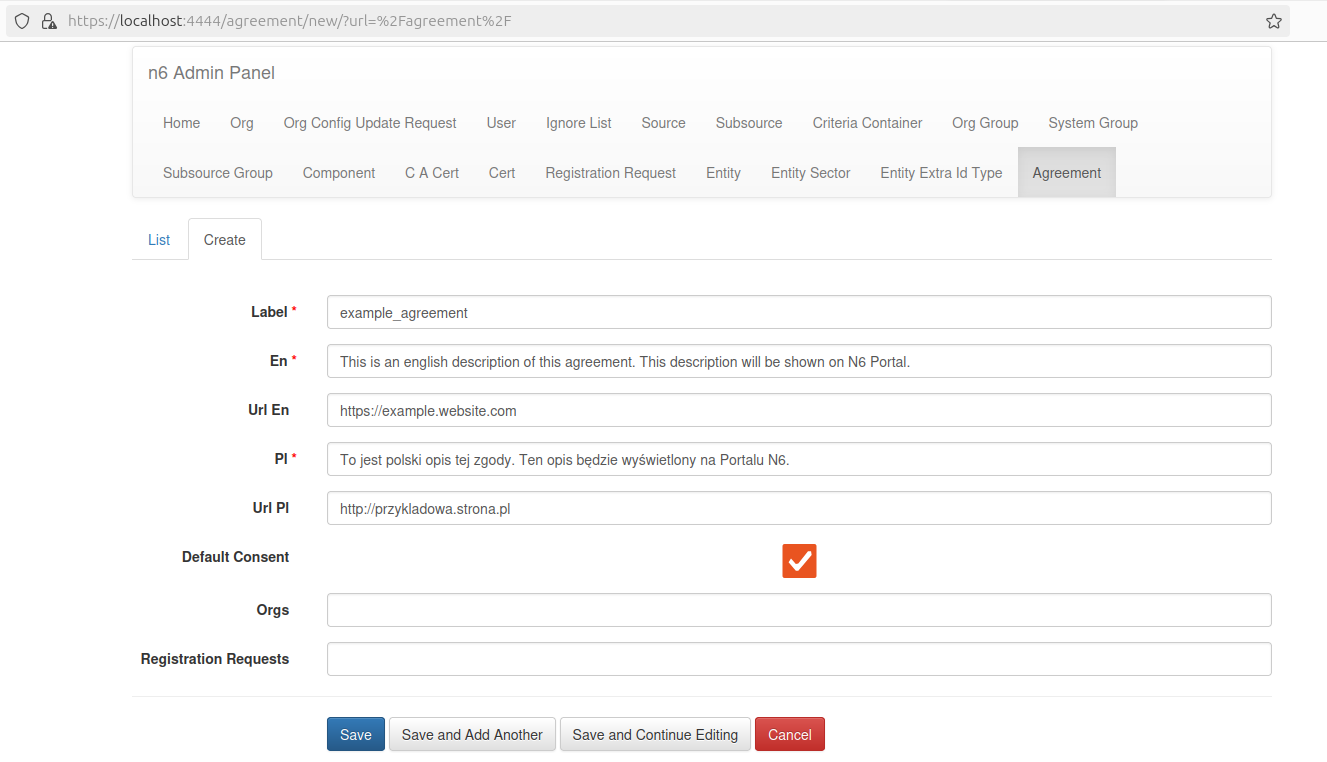 Create / Edit Agreement form view.
Viewing Agreements
After creating some Agreement instances, they can be seen in the List view. There are a few action buttons on the left to each record that allow you to (accordingly) view in Detail, Edit or Delete the Agreement.
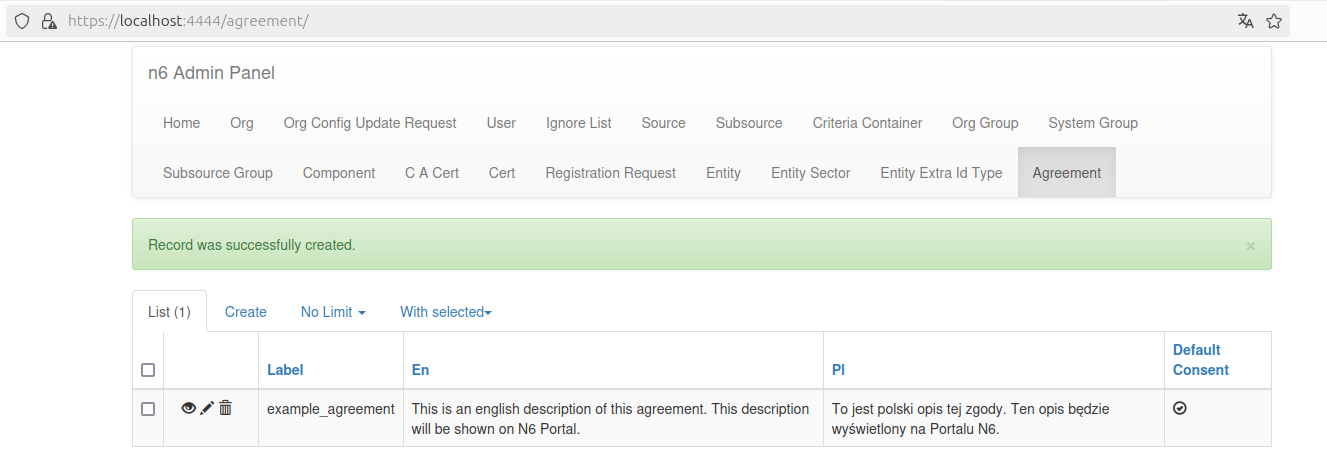 Agreement tab with a single record in List view.
After clicking on the eye icon, the Detail view is shown, displaying all model fields with their current values.
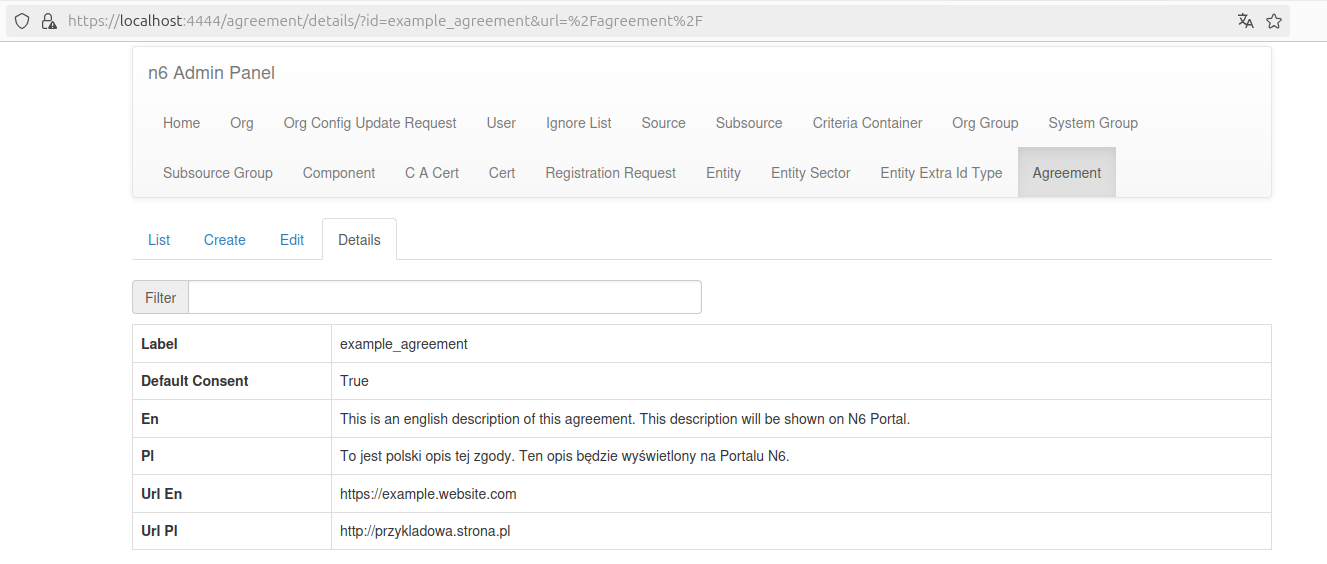 Detail view
Editing Agreements
Editing agreements is available by clicking the pen icon. A similar form to the Create view’s one is used to edit entries.
Deleting Agreements
Deleting agreements is available by clicking the trash icon. Deleting an Agreement removes it from checked agreements in every related Registration Request and Org.