Appearance in n6 Portal
Introducing any Agreements within an n6 instance causes minor changes to the n6 Portal’s appearance, allowing users to interact with the agreements, i.e., to agree or disagree (on behalf of the user’s organization) to the agreements’ terms.
Registration form
If any agreements exist, they are shown at the bottom of the second page of the registration form. Whether they are checked by default or not is determined by the default_consent flag (as per model).
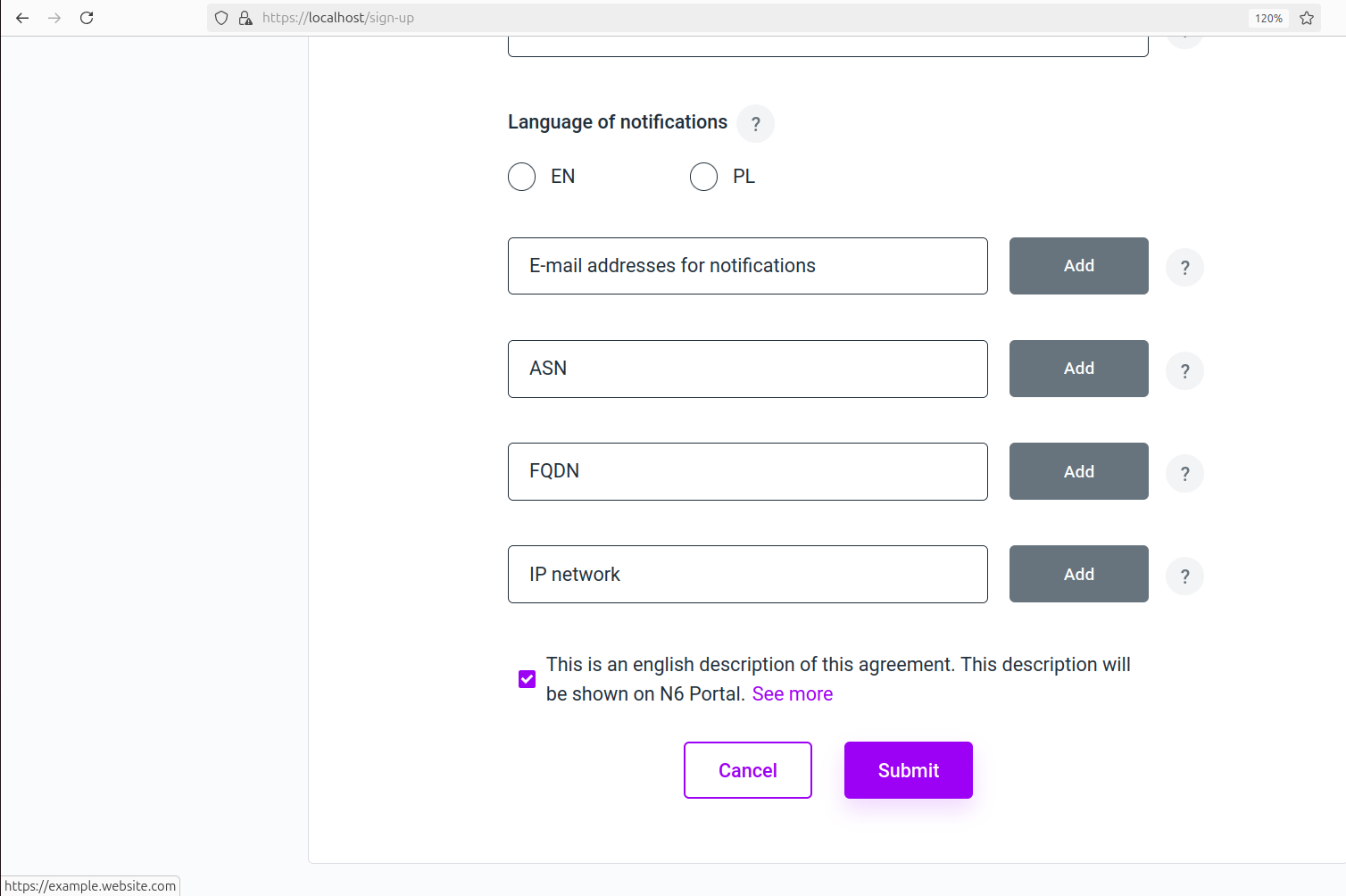 Registration form. Notice the See more hyperlink which takes the user to
 url_en, in this case https://example.website.com. This hyperlink is to be rendered only if the URL for the current language is defined.
Navigation bar (menu)
When at least one agreement is provided, a new menu item becomes available to users: Organization agreements.
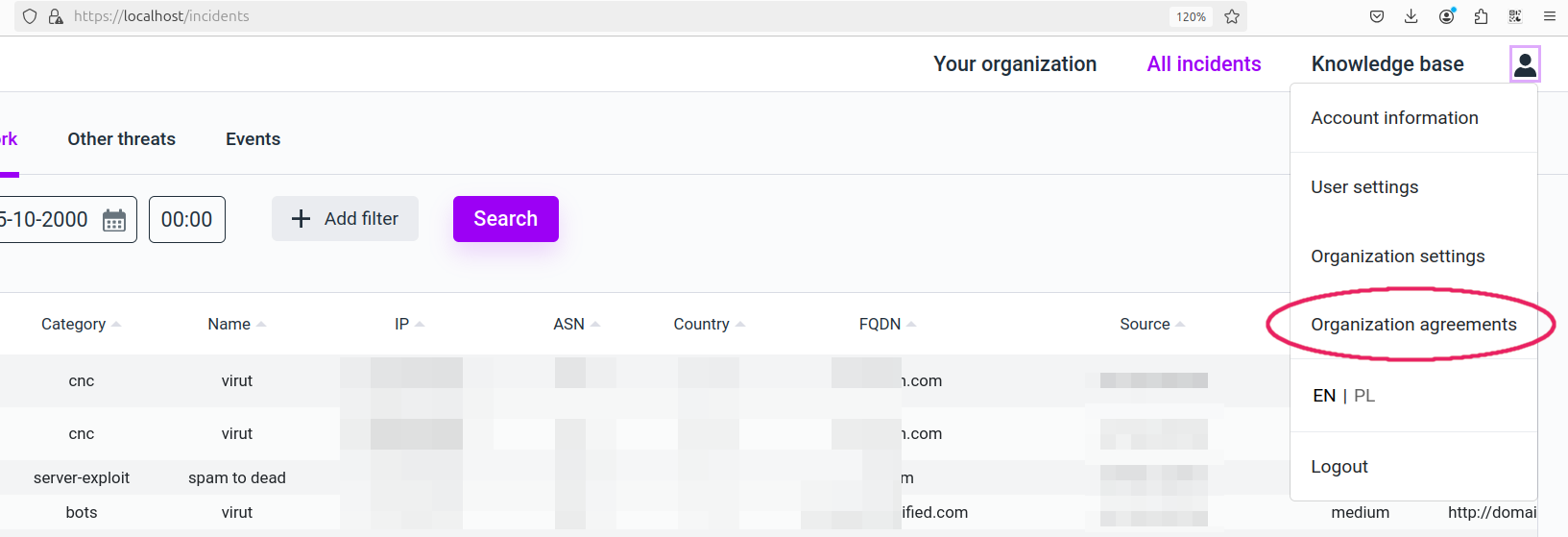 Navigation bar with additional Organization agreements item. This item would not be there if no agreements have been created.
Organization agreements page
On the Organization agreements page, all agreements are visible, and users are able to manage their Org’s agreements by clicking the checkboxes.
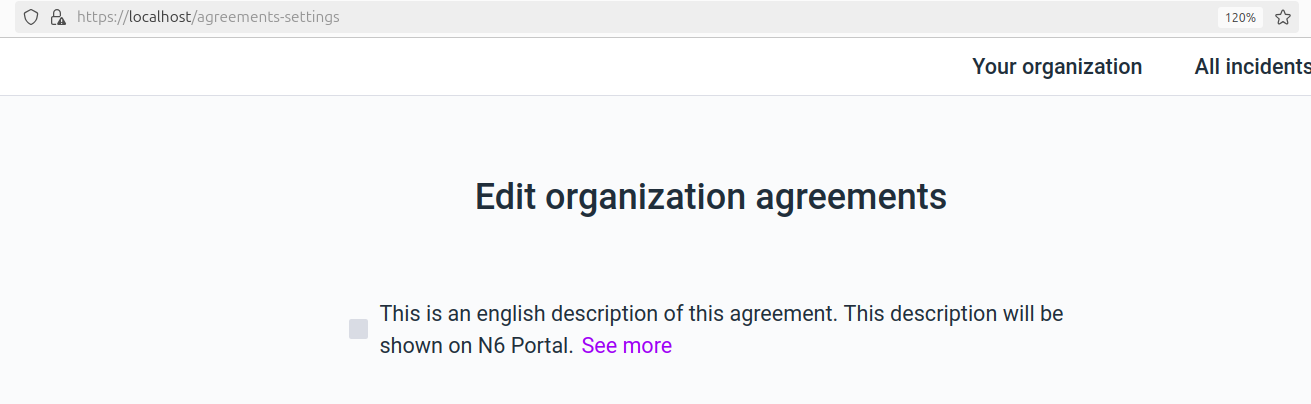 Organization agreements page. Here: with a single agreement item. Note that the item is not checked as accepted even though the agreement’s flag
 default_consent is set (that flag concerns only the Registration form).
If there are no agreements, a short message is presented, informing that no agreements are available.
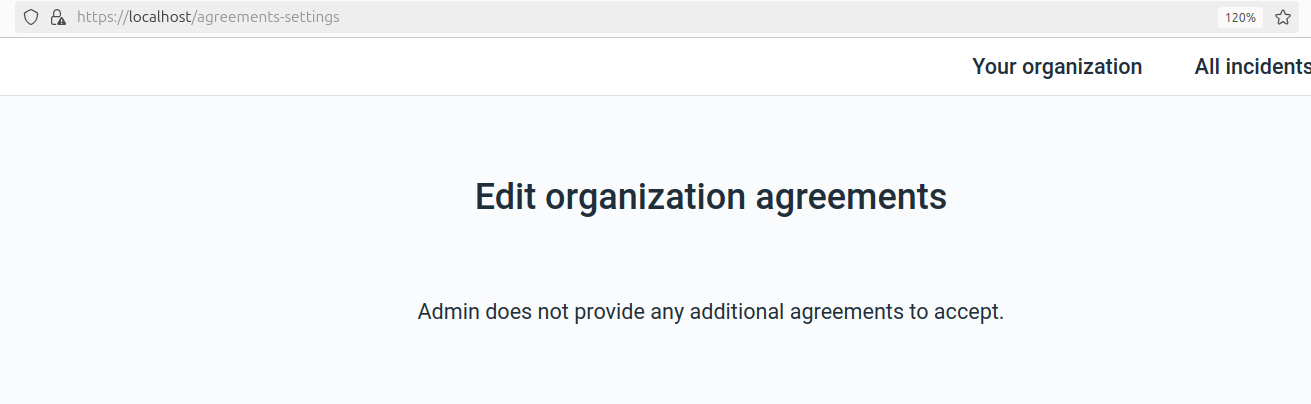 Organization agreements page with no agreements.